Performance Review Workflow
Sense can run a structured performance review with sequential employee, manager and administrator steps. The default process has two steps, but it can be configured with up to six stages and customised questions.
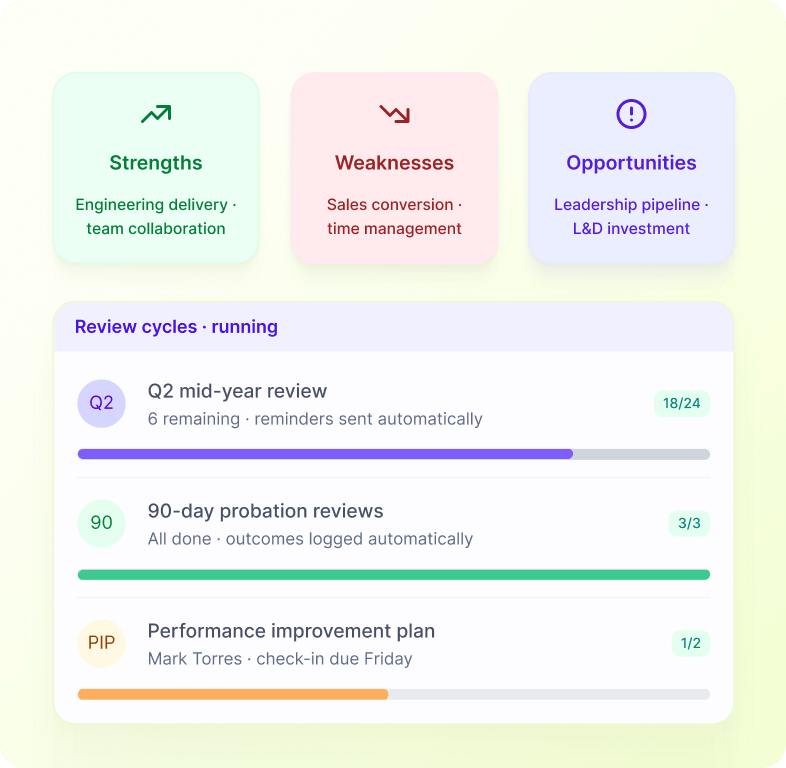
How it works
Reviews become a visible process with due dates, reminders and reportable answers rather than disconnected forms.
1
Start the cycle
An administrator starts a performance cycle for selected employees.
2
Employee reviews first
The employee receives the first review task.
3
Manager follows up
The manager receives the next step after the employee completes theirs.
4
Additional steps in sequence
Additional employee, manager or HR sign-off steps can follow in sequence.
See this workflow running
Book a 20-minute Automate demo and we'll walk through real Library workflows on real customer data shapes that match yours.
FAQ
What starts this workflow?+
The documented process starts with: An administrator starts a performance cycle for selected employees.
What happens at the end of the workflow?+
The final documented step is: Additional employee, manager or HR sign-off steps can follow in sequence.
Who is involved?+
The documented participants are Employees, Managers, Administrators.
What can we configure?+
The documented configuration includes Two to six steps; Participant by step; Questions; Due dates; Reminders.
Which Sense plan includes it?+
This draft currently marks the workflow as Elite and above. See the price section and any product-review note before publication.