Return to Work Workflow
A return-to-work workflow gives the employee and manager a structured process after sickness. Sense can trigger a form, collect the employee's information, route it to the manager, and record sign-off in the employee record.
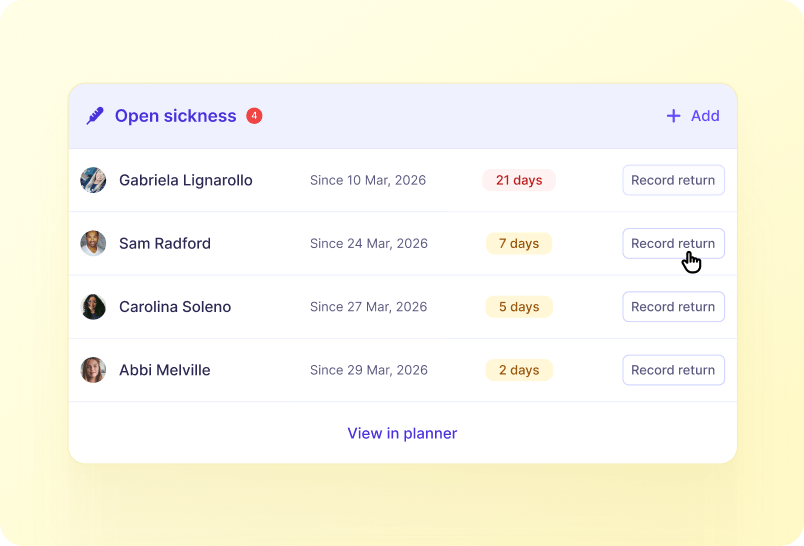
How it works
The process creates a consistent record of the conversation and avoids relying on managers to remember the follow-up.
1
Sickness record logged
A sickness record that requires return-to-work completion is logged.
2
Process triggered
Sense can trigger the process immediately, on the next suitable working day, or on the employee's next clock-in.
3
Employee completes section
The employee completes and signs their section.
4
Manager reviews and signs
The manager reviews and signs the next step.
See this workflow running
Book a 20-minute Automate demo and we'll walk through real Library workflows on real customer data shapes that match yours.
FAQ
What starts this workflow?+
The documented process starts with: A sickness record that requires return-to-work completion is logged.
What happens at the end of the workflow?+
The final documented step is: The manager reviews and signs the next step.
Who is involved?+
The documented participants are Employees, Managers, Administrators.
What can we configure?+
The documented configuration includes Up to six sequential steps; Employee, manager or admin participants; Trigger timing; Questions and screen variants.
Which Sense plan includes it?+
This draft currently marks the workflow as Team and above. See the price section and any product-review note before publication.