360 Feedback Workflow
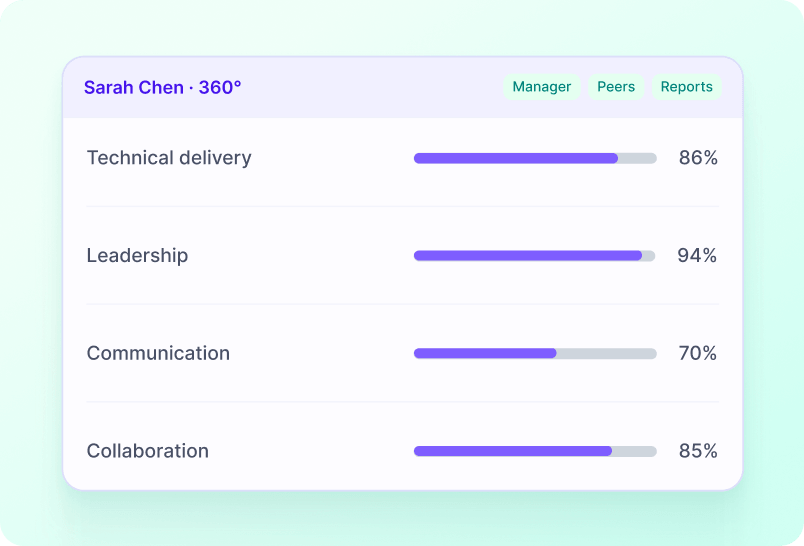
Sense can collect anonymous 360 feedback from a selected reviewer and return the completed feedback to the manager for use in a performance conversation.
How it works
Managers can collect peer input in a consistent, private process connected to the employee record.
1
Select a reviewer
Manager opens the employee's 360 screen and selects a reviewer.
2
Reviewer completes feedback
The reviewer receives a task to complete the feedback questions.
3
Manager is notified
The manager is notified when the feedback is complete.
4
Discuss in performance review
The result can be discussed in the employee's performance process.
See this workflow running
Book a 20-minute Automate demo and we'll walk through real Library workflows on real customer data shapes that match yours.
FAQ
What starts this workflow?+
The documented process starts with: Manager opens the employee's 360 screen and selects a reviewer.
What happens at the end of the workflow?+
The final documented step is: The result can be discussed in the employee's performance process.
Who is involved?+
The documented participants are Managers, Reviewers.
What can we configure?+
The documented configuration includes Feedback questions via Screen Designer.
Which Sense plan includes it?+
This draft currently marks the workflow as Elite and above. See the price section and any product-review note before publication.