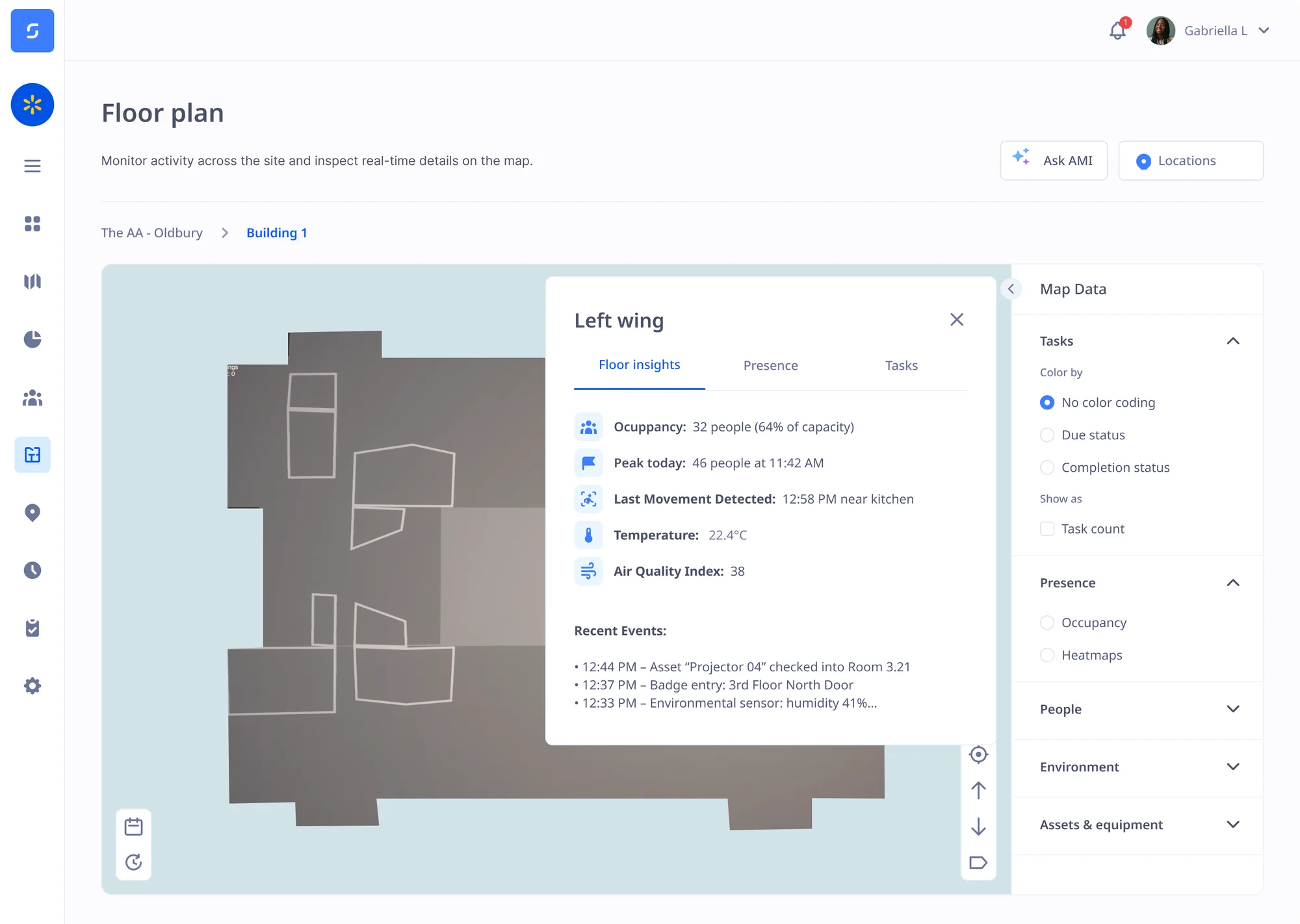
No proof of attendance
Officers often work at client sites with no supervisor present, and clients want proof that every shift was covered.
Security officers work nights and weekends, often alone. Sense verifies when they arrive and leave, proves each patrol point they reached, and helps keep them safe.
Officers often work at client sites with no supervisor present, and clients want proof that every shift was covered.
Stories of security guards printing out QR codes have made clients wary that patrols aren't being completed.
Officers work alone, out of hours, often on large or empty sites, with nobody nearby if something goes wrong.
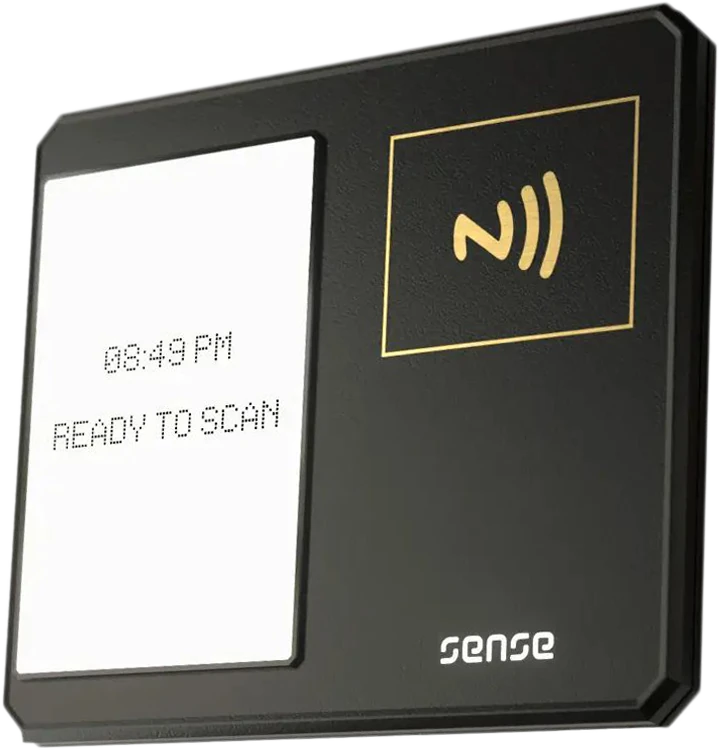
Officers can prove attendance even on client sites, via the Sense app, the Sense Clock, or the Gateway and Badge. Supervisors can remotely view the real-time locations of multiple officers from one dashboard.



Clients may have experienced QR codes being printed, or NFC tags prised off of walls. But Sense Gateways know the precise indoor location of each officer, and prove that each checkpoint got visited.
See how Sense Gateways work
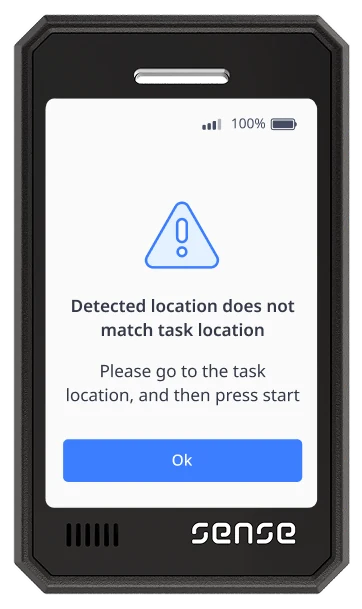
Put a Gateway at each checkpoint, and set up a workflow via Sense Automate to automatically confirm when each route got completed, and how long it took. Plus, security officers can push the button on their Badge or Tag to record a time and location stamp at any point, such as to mark a point of interest for review via CCTV.
The officer clocks in on site
Each Gateway picks up their location
The supervisor gets an alert
Each client site gets a patrol record
The Sense Badge has an SOS button and detects hard falls, sharing the officer's location with your control room, supervisor or the nearest available colleague so that help arrives fast.
Learn more about SOS and man down alarms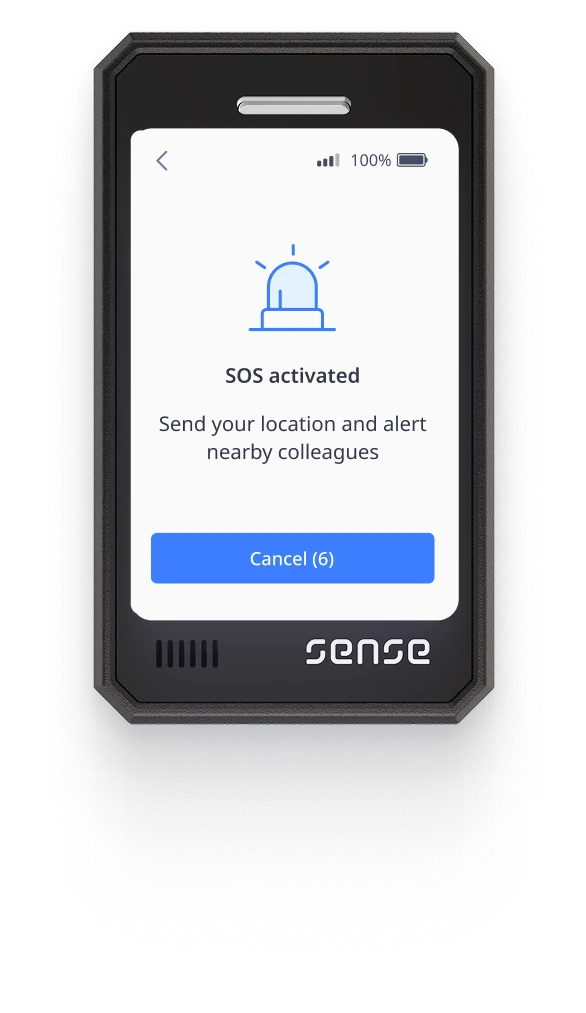
Officers book holidays, report absence and check their shifts on the Sense app or Badge, wherever they are posted. Managers approve requests on their phone, and see gaps in cover before a site is left unguarded.
See the Sense HR mobile app
Keep each officer's SIA licence, training and right to work check in their HR record. Sense reminds you before a licence runs out, so nobody is posted without a valid licence.
Every hour is verified and stored against the correct client site, with your rules automatically applied for overtime, nights, and breaks. The hours are prepared so you can run payroll and invoice clients accurately.
See the full time and attendance cycle


Book an online demo with one of our UK-based experts, or request a visit to our head office, to see how Sense proves every shift and patrol, and keeps your officers safe.
Browse these frequently asked questions about Sense for security
It does the same job: it proves each patrol point was visited, and when. It also runs clocking in, HR and lone worker alarms in the same system.
No. The Gateway picks up their Badge or Tag as they pass.
No. Alerts go to your own team, such as your control room or a supervisor, with the officer's location.
Yes. Store each officer's SIA licence number and expiry date in their HR record, and Sense reminds you before a licence runs out.
Yes. Each clock-in is saved against the client site, so you can show who was on site, when they arrived and when they left.
No. Officers can clock in on the Sense Clock at the gatehouse, or wear a Sense Badge with a fingerprint reader. Officers with a phone can use the free Sense HR app.
Yes. Sense sends verified hours to Sage, Xero, BrightPay and PayCaptain, and to any other payroll by export, including outsourced payroll. Managers approve the hours first, so payroll only gets hours that have been checked.
No. Sense is for working time only, and staff are not tracked outside it.