Mobile Onboarding
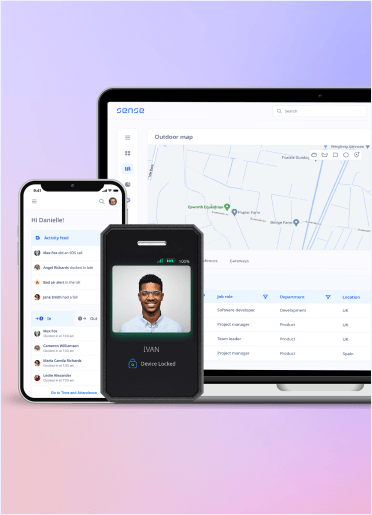
Mobile Onboarding lets a new employee access the Sense mobile app without first completing the normal web password setup. Sense sends a login code so mobile-only workers can get started directly from their phone.
How it works
It removes a desktop-dependent step for frontline or mobile-first employees.
1
Select Mobile login invite
An administrator selects the Mobile login invite action for an eligible new user.
2
Bypass password setup
Sense bypasses the normal password-creation step.
3
Send login code
The employee receives a login code.
4
Access mobile app
The employee uses the code to access the Sense mobile app.
See this workflow running
Book a 20-minute Automate demo and we'll walk through real Library workflows on real customer data shapes that match yours.
FAQ
What starts this workflow?+
The documented process starts with: An administrator selects the Mobile login invite action for an eligible new user.
What happens at the end of the workflow?+
The final documented step is: The employee uses the code to access the Sense mobile app.
Who is involved?+
The documented participants are Employees, Administrators.
Can we configure it?+
The Help Centre does not list separate configuration options for this page. Check the installed workflow version in Sense Automate before promising additional controls.
Which Sense plan includes it?+
This draft currently marks the workflow as Elite and above. See the price section and any product-review note before publication.